
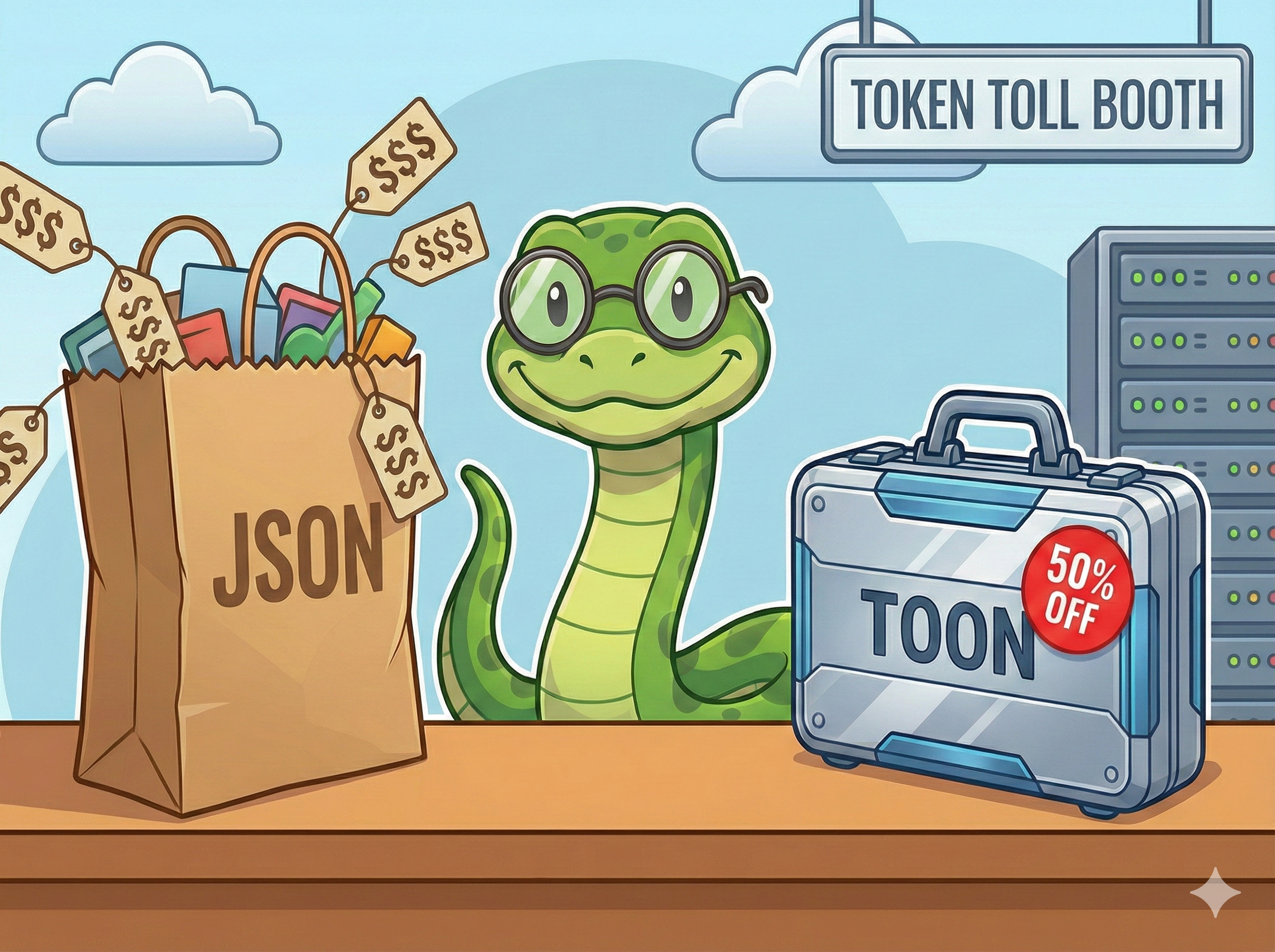
Is the ChatGPT or Gemini bill higher than you expected?
If you have experience on building AI or LLM applications for a while, you may notice that you have spent hours optimizing your prompts and RAG (Retrieval-Augmented Generation) pipeline. However, at the end of the month, your bill may higher than your rent or mortage repayment.
Why? We are so used to JSON. It’s a reliable standard of data engineering and web development. But here is the hard truth: JSON syntax is wasteful for LLMs.
Every {, }, ", and , counts as a token. When you are passing a list of 50 retrieved documents to GPT, those structural characters add up fast. You are paying for syntax, not substance.
The Problem: JSON is “Expensive”
Let’s look at a standard scenario. You are building an agent that queries a database for product information and sends it to an LLM to answer a user question.
Here is what your data looks like in JSON:
[
  {
    "id": 101,
    "product_name": "Wireless Noise Cancelling Headphones",
    "price": 299.99,
    "in_stock": true,
    "tags": ["audio", "bluetooth", "premium"]
  },
  {
    "id": 102,
    "product_name": "Ergonomic Mechanical Keyboard",
    "price": 145.50,
    "in_stock": true,
    "tags": ["peripherals", "office", "typing"]
  }
]To a machine parser, this is perfect. To an LLM, this is “noisy.”
- Repeated Keys:
"product_name"and"price"are repeated for every single item. - Syntax Overhead: The braces and quotes provide structure but no semantic value to the model.
If you have a list of 20 products, you are repeating those keys 20 times. That is hundreds of wasted tokens.
The Solution: What is TOON?
TOON stands for Token-Oriented Object Notation. It is a new data serialization format designed specifically for the AI era. Its goal is simple: Represent structured data with the absolute minimum number of tokens possible, without losing meaning.
How TOON handles the same data:
products[2]{id, product_name, price, in_stock, tags}:
101, Wireless Noise Cancelling Headphones, 299.99, true, [audio, bluetooth, premium]
102, Ergonomic Mechanical Keyboard, 145.50, true, [peripherals, office, typing]Look at the difference:
- Header Row: The keys (
id,product_name, etc.) are defined once at the top. - No Braces: Gone.
- Minimal Quotes: Strings don’t need quotes unless they contain special delimiters.
- CSV Style: The values are just comma-separated.
The Result: LLM still understands the structure (it’s very good at pattern recognition), but you are not paying for the repetitive scaffolding.
Try It Yourself: The JSON to TOON Converter
You don’t need to guess how much space you’ll save. I built a simple, free utility to handle this exact problem.
Try the Free JSON to TOON Converter Here
Just paste your JSON list into the left box. If your data follows the “Golden Rule” (a list of objects with the same structure), watch how the converter strips away the fat and leaves you with lean, token-efficient text on the right.
Python Tutorial: Implementing TOON
Let’s get our hands dirty. As Python developers, we need a way to automate this conversion in our pipelines.
Here is a Python script that converts a list of dictionaries into TOON format.
import json

def to_toon(data_list, object_name="items"):
    """
    Converts a list of dictionaries to TOON format.
    Efficient only if all dictionaries share the same keys!
    """
    if not data_list:
        return ""

    # Extract headers from the first dictionary
    headers = list(data_list[0].keys())

    # Create the Header Line: items[5]{id, name, email}:
    header_line = f"{object_name}[{len(data_list)}]{{{', '.join(headers)}}}:"

    rows = []
    for item in data_list:
        values = []
        for k in headers:
            val = item.get(k, "") # Handle missing keys gracefully
            # If it's a list (like tags), keep the brackets
            if isinstance(val, list):
                values.append(f"[{', '.join(map(str, val))}]")
            else:
                values.append(str(val))
        rows.append(", ".join(values))

    return header_line + "\n" + "\n".join(rows)

# 1. Setup our dummy data
users = [
    {"id": 1, "name": "Alice", "role": "Admin", "active": True},
    {"id": 2, "name": "Bob", "role": "Viewer", "active": True},
    {"id": 3, "name": "Charlie", "role": "Editor", "active": False}
]

# 2. Compare Lengths
json_output = json.dumps(users)
toon_output = to_toon(users, "users")

print(f"JSON Length: {len(json_output)}")
print(f"TOON Length: {len(toon_output)}")
print("-" * 20)
print(json_output)
print("-" * 20)
print(toon_output)Output:
JSON Length: 186
TOON Length: 102
--------------------
[{"id": 1, "name": "Alice", "role": "Admin", "active": true}, {"id": 2, "name": "Bob", "role": "Viewer", "active": true}, {"id": 3, "name": "Charlie", "role": "Editor", "active": false}]
--------------------
users[3]{id, name, role, active}:
1, Alice, Admin, True
2, Bob, Viewer, True
3, Charlie, Editor, FalseIn this small example, we saved nearly 45% in character count. For larger datasets, the savings are even more significant.
When Should You Use TOON? (and When Not To)
Use TOON when:
- RAG Context Injection: You are retrieving 20, 50, or 100 records from a database to feed into the prompt as context. This is the #1 use case. The structure is uniform (same keys for every row), and the savings are massive.
- High-Volume APIs: You are processing millions of requests. A 30% reduction in input tokens translates to direct profit margin.
- Low-Latency Requirements: Fewer tokens mean the LLM reads the input faster (Time to First Token is slightly improved because there is less to parse).
Stick to JSON when:
- Deeply Nested Data: If your data looks like a complex configuration file with varying keys and deep nesting, TOON loses its tabular advantage and starts to look like YAML. The savings diminish.
- Function Calling / Tool Use: Most LLMs (like GPT-4) are specifically fine-tuned to output JSON for function calling. Don’t fight the model training here. Let the model output JSON, but you input TOON.
- Small Data: If you are just sending one user object, the overhead of the header row in TOON might actually cost you more than JSON.
Next Step
Take one of your AI pipelines. Copy a sample of your JSON payload and paste it into my JSON to TOON Converter. If you see a 30%+ reduction in size, it’s time to refactor your codes.